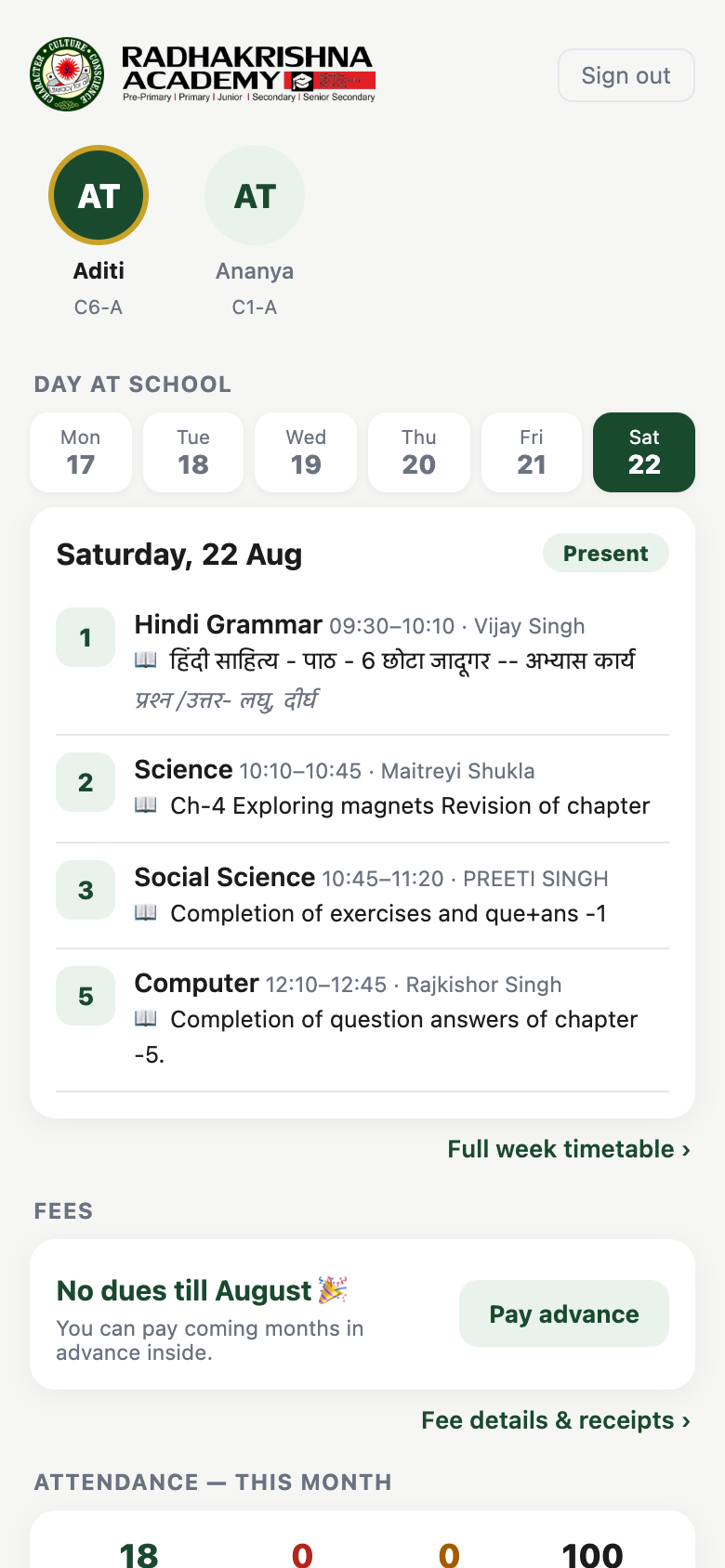
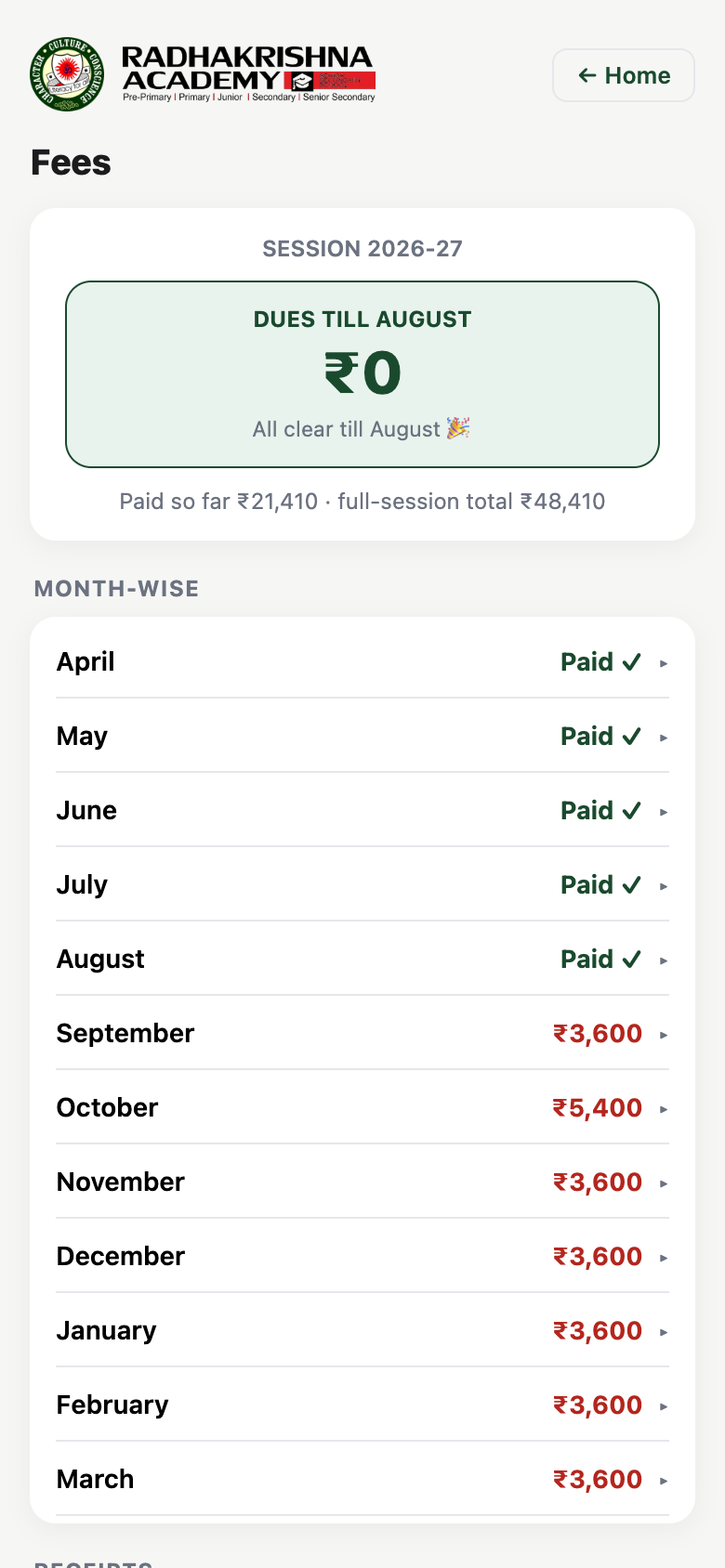
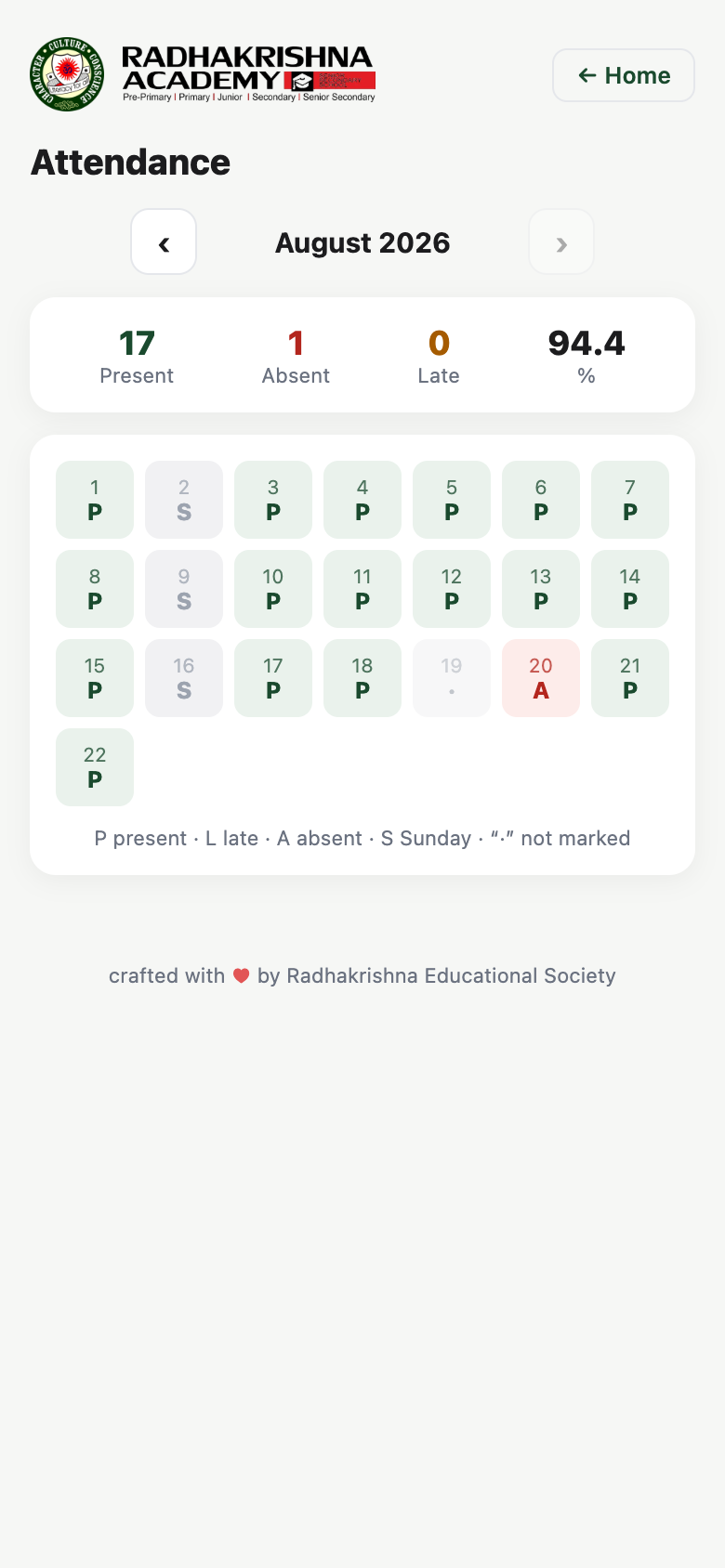
Your child's day at school — what was taught in every period, attendance, fees and results — on the phone already in your pocket. No app store, no charges, just your registered mobile number.
Real screens from the app — shown here with a sample student's details.


See what was taught in each period today — subject, chapter and classwork — straight from the teacher's own lesson log, along with the full week's timetable.
A month-view calendar of your child's attendance, marked from the classroom — present, absent and late, with the monthly percentage.
Dues at a glance, a month-by-month breakup of the full session, and every receipt — including ones from the school counter — saved in one place.
Term report cards and unit-test marks as they are published — no more waiting for the diary to come home.
Daily homework for your child's class and the complete subject-wise syllabus for the session, always a tap away.
Brothers and sisters studying at RKA appear side by side in the same app — switch between them with a single tap.
No forms, no passwords to remember. Use the mobile number or email you gave the school office.
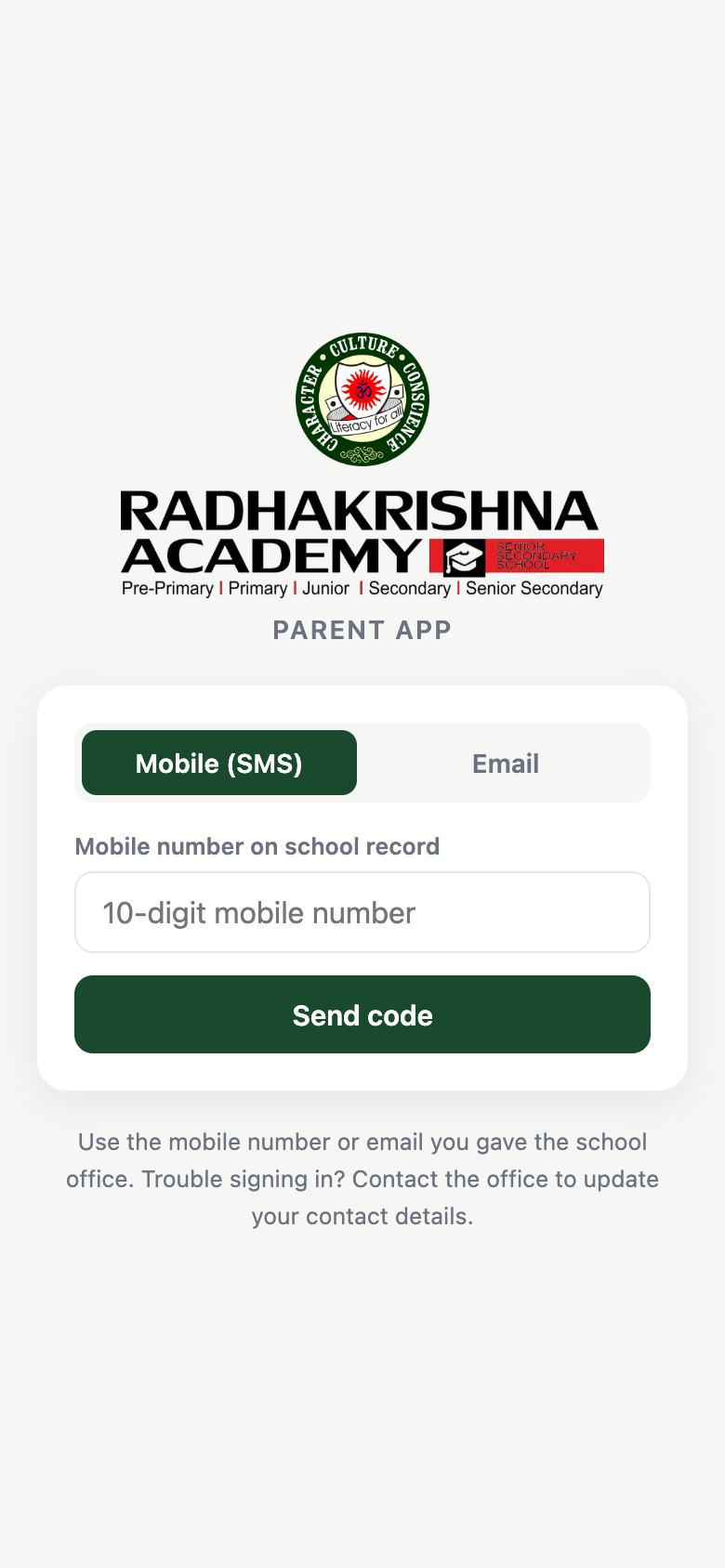
The way most parents sign in.
Open parent.rkacademyballia.in and enter the 10-digit mobile number on the school's record.
Tap Send code — a one-time code arrives by SMS.
Enter the code, and you're in. Your children appear automatically.
For parents who registered an email address with the office.
Choose the Email tab on the sign-in screen.
Enter your registered email address and tap Send code.
Type in the code from your inbox — done.
The Parent App installs like a regular app — straight from the browser, nothing to download from a store.
Open the app, tap the ⋮ menu in the top-right corner, then choose Add to Home screen. The RKA crest appears on your home screen like any other app.
Open the app, tap the Share button at the bottom, then choose Add to Home Screen.
Free for every RKA family — sign in once with your registered mobile number and stay connected all session.